How AI Poster Generators Are Changing Visual Content Creation
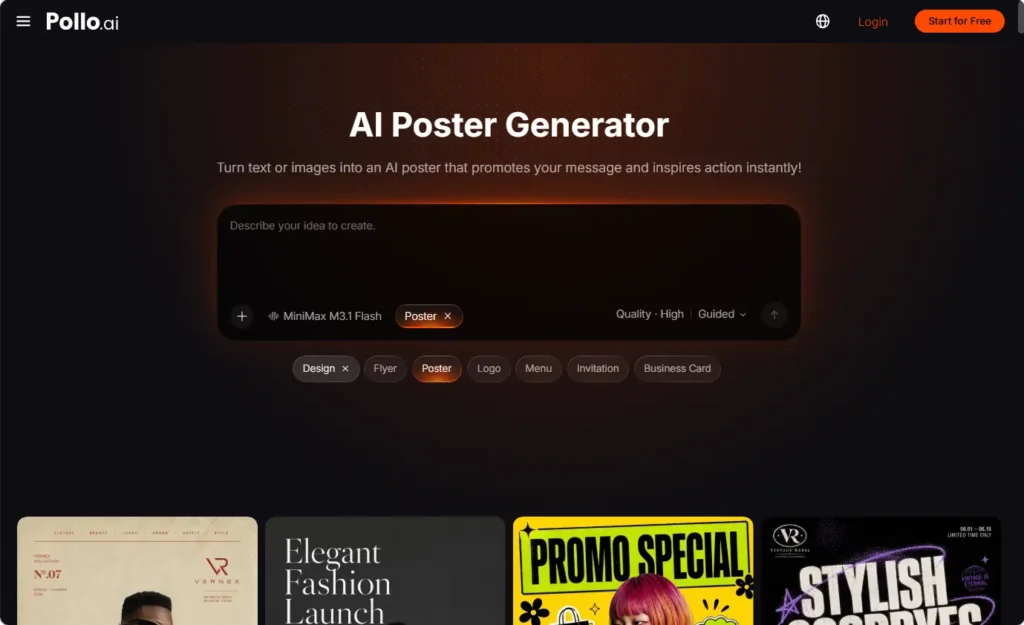
Brands now create visual content for social feeds, websites, email, advertising, presentations, and physical spaces. One campaign may therefore require several formats, while producing each version manually can create delays and inconsistent branding.
Pollo AI helps teams organize the process from the campaign brief onward. Its AI poster generator can develop the core visual direction, and selected designs can later be adapted, previewed, and reviewed for their intended use.
From Blank Canvas to Campaign Brief
Traditional design workflows often begin with an open canvas and a long list of decisions. AI-assisted workflows can begin with a more useful step: defining the campaign information first.
A brief may include:
- Target audience;
- Main message;
- Product or service;
- Offer or event details;
- Desired visual tone;
- Logo and brand references;
- Intended channels;
- Required CTA.
This does not remove the need for creative thinking. It gives the creative process a clearer direction. The team can decide whether the campaign should feel cinematic, editorial, festive, energetic, minimal, or community-focused before generating visual concepts.
An AI poster generator can then turn the brief into several starting layouts. These outputs help the team compare hierarchy, image treatment, and headline placement without designing every early concept manually. The best result should be selected based on the campaign goal and audience rather than visual complexity alone.
Create Controlled Variations
One campaign may require an announcement poster, a product detail visual, a reminder, an event version, and several channel-specific adaptations. After selecting the main visual direction, use it as the foundation for these variations rather than starting from unrelated prompts.
The team may change:
- Headline angle
- Product image
- Background treatment
- Offer emphasis
- Audience reference
- Channel dimensions
At the same time, preserve the core logo treatment, color direction, product identity, and CTA style. This creates a flexible system instead of a collection of disconnected designs.
Pollo AI can support this exploration, but selected prompts, approved assets, and final versions should remain organized. A clear record allows future campaigns to build on tested directions without recreating the same decisions.
Create Realistic Context with a Mockup Generator
A design can look effective in an editor but become difficult to evaluate without context. A poster on a storefront window is viewed differently from one on a mobile screen or digital display. A product presentation may also need to show how a design appears on packaging, clothing, a cup, or an electronic screen.
After creating the core poster, upload the logo, illustration, packaging design, or poster file, then select a suitable surface and background. Next, create several previews with the mockup generator in Pollo AI, so teams can review concepts, prepare listings, and discuss campaigns with stakeholders.
The mockup generator can support:
- Client presentations;
- Product proposals;
- Retail display planning;
- Packaging previews;
- Social content planning;
- Internal design review.
These previews help teams evaluate scale, contrast, lighting, and overall presentation before production. They also make feedback more concrete, because stakeholders can discuss a design in context rather than a flat file.
A mockup is not a final production file. Confirm the original artwork’s dimensions, resolution, color requirements, and platform specifications before publishing or sending it to production.
Support More Collaborative Decisions
AI-assisted visual production can change how teams discuss design. Instead of waiting for one finished concept, marketers, designers, clients, and product teams can compare several structured directions early in the process.
A useful review should ask:
- Does the design communicate the main message?
- Is the product or event easy to identify?
- Does the visual match the brand?
- Is the CTA visible?
- Can the design work in the intended channel?
- Are the claims and details accurate?
An AI poster generator can provide the starting options, while a mockup generator can help demonstrate how selected options might appear in practice. Human reviewers still need to decide which direction is appropriate for the audience, campaign, and production requirements.
Adapt Content for Multiple Channels
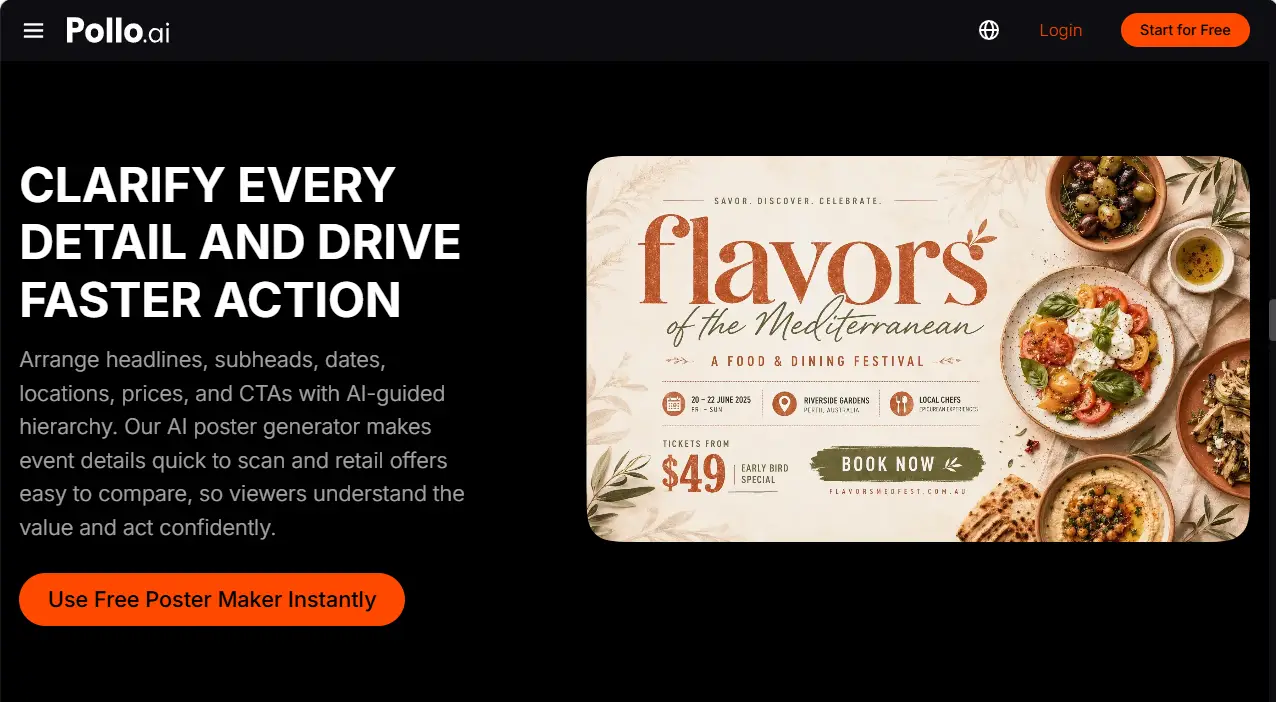
Visual content is no longer created for only one final destination. A campaign may need versions for websites, social media, email, print, presentations, and event displays. Each format has different reading conditions.
A mobile post may need a large subject and short headline. A printed poster may require additional details and larger margins. A website graphic may leave more space for live text around the image, while a presentation visual may need stronger contrast for distant viewing.
Use the AI poster generator to create related versions from the approved direction, then review each format independently. Preserve the message and visual identity, but adjust the hierarchy rather than stretching one layout into every size.
Review AI-Assisted Visuals Carefully
AI can speed up exploration, but it may also introduce inaccurate text, altered product details, distorted logos, or unsuitable background elements. A structured review is therefore part of the production workflow.
Check:
- Text spelling and hierarchy;
- Prices, dates, and product information;
- Logo and brand colors;
- Product proportions and labels;
- Image permissions;
- Contrast and readability;
- Print and platform requirements.
Review the original artwork and any mockup side by side. If the mockup shows an attractive presentation but the original file contains an error, correct the source before publication. This keeps visual experimentation connected to production accuracy.
Summary: Use AI Poster Generation with Creative Control
AI-assisted tools are changing visual content creation by making early exploration, controlled variation, and channel adaptation easier to organize. Use the AI poster generator to develop the main visual direction, then use a mockup generator to preview selected designs in realistic applications. Keep the campaign brief, approved assets, and final versions organized so the process stays repeatable.
Your team keeps audience fit, brand accuracy, and final approval, while Pollo AI helps you explore more visual options.