Why remote desktop tools matter more than ever feat. DeskIn
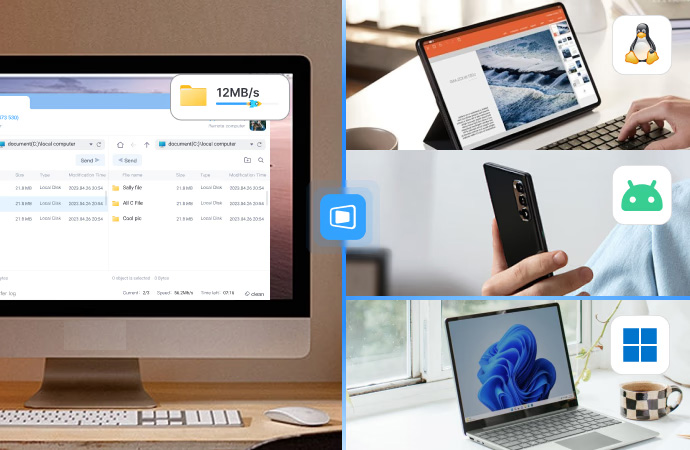
Work-from-home setups, multi-device lifestyles, mobile productivity, cloud gaming – the way we use computers has changed. But many remote desktop tools still feel stuck in the past, plagued by stagnant innovation, bad implementation, unfriendly entry barrier, etc.
But among the smoke and mirrors, DeskIn has been refining its craft in recent years and now tackles the big issue with a different approach: one platform designed to support both work and play without forcing users to compromise.
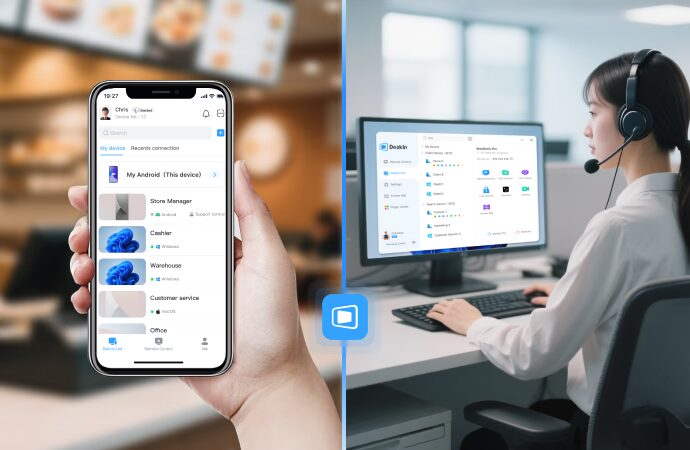
They are a Singapore-based platform that offers a cross-platform remote desktop solution that connects all your devices into one seamless environment. Instead of juggling separate apps for productivity, collaboration, and performance use cases, DeskIn brings everything together into a single ecosystem.
How to install DeskIn
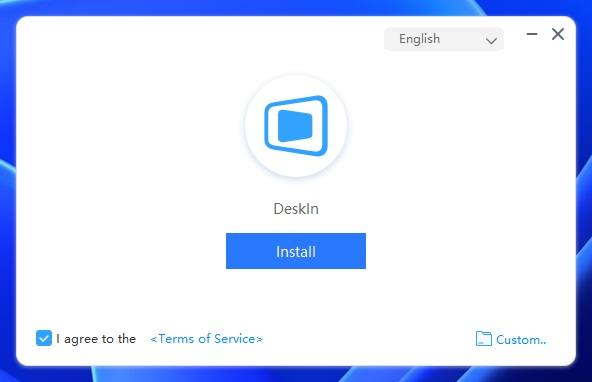
DeskIn’s onboarding experience starts with a lightweight application that can be downloaded directly from the official website, with installation designed to be straightforward – users can proceed with a one-click install or choose a custom installation path if they prefer more control.
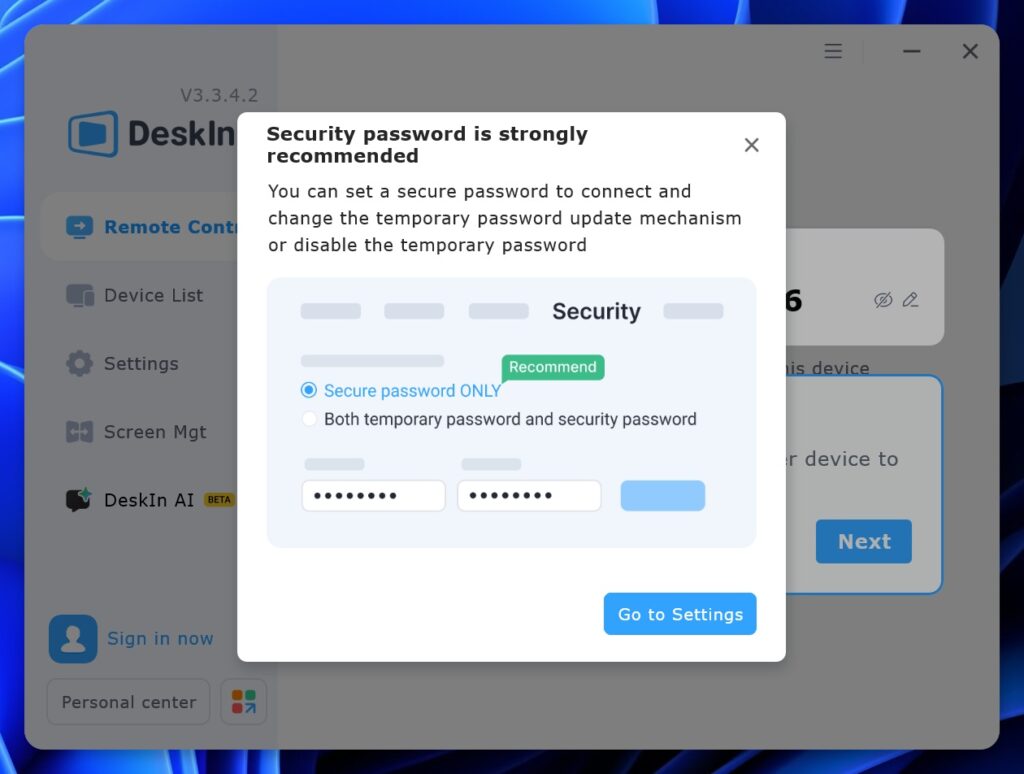
Once installed, the initial interface immediately highlights a strong emphasis on password and account security, encouraging users to secure as many elements as possible before establishing any connections, a design choice that reflects growing industry awareness around safer remote access practices.
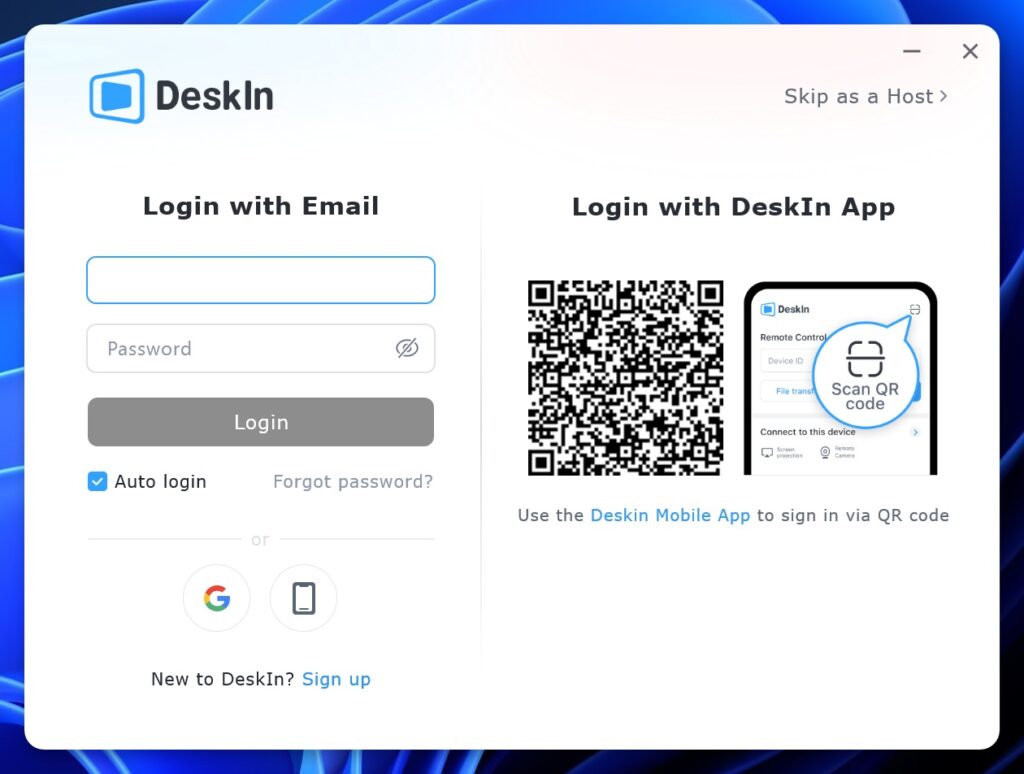
To begin using DeskIn, users must create an account, either through the official website or by signing in with a Google account, after which the desktop client presents a QR code that can be scanned using the DeskIn mobile app as an alternative to manual login.
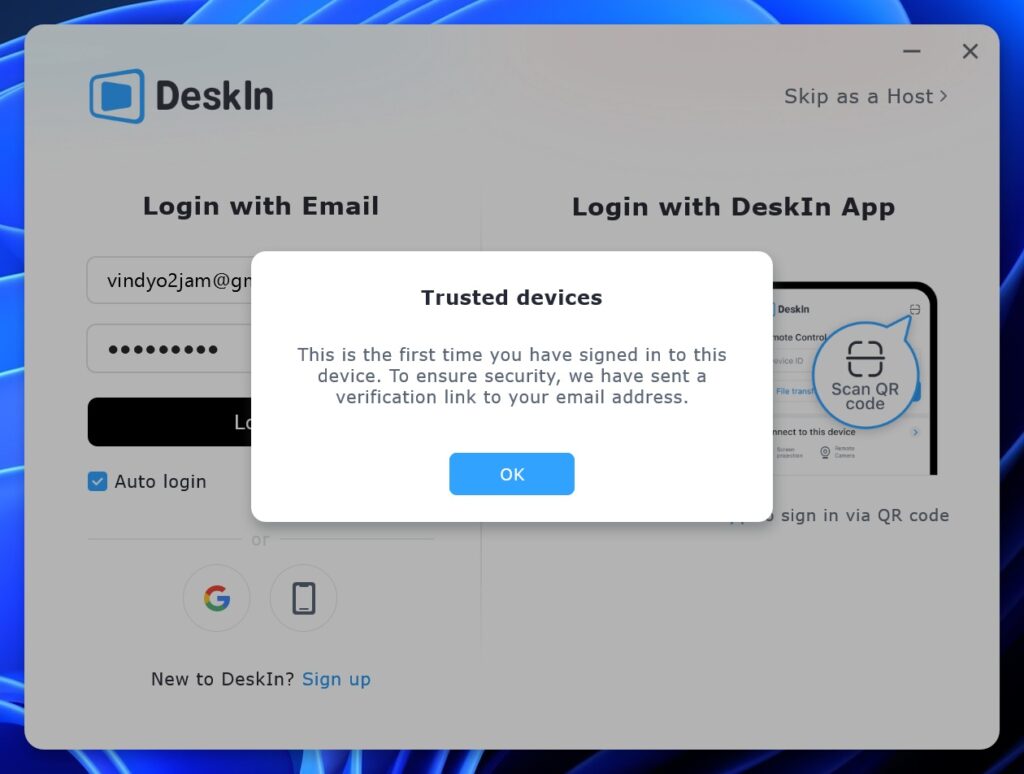
This is reinforced by an additional verification step via email, where users must confirm their login through a verification link, effectively adding another layer of protection before access is granted.
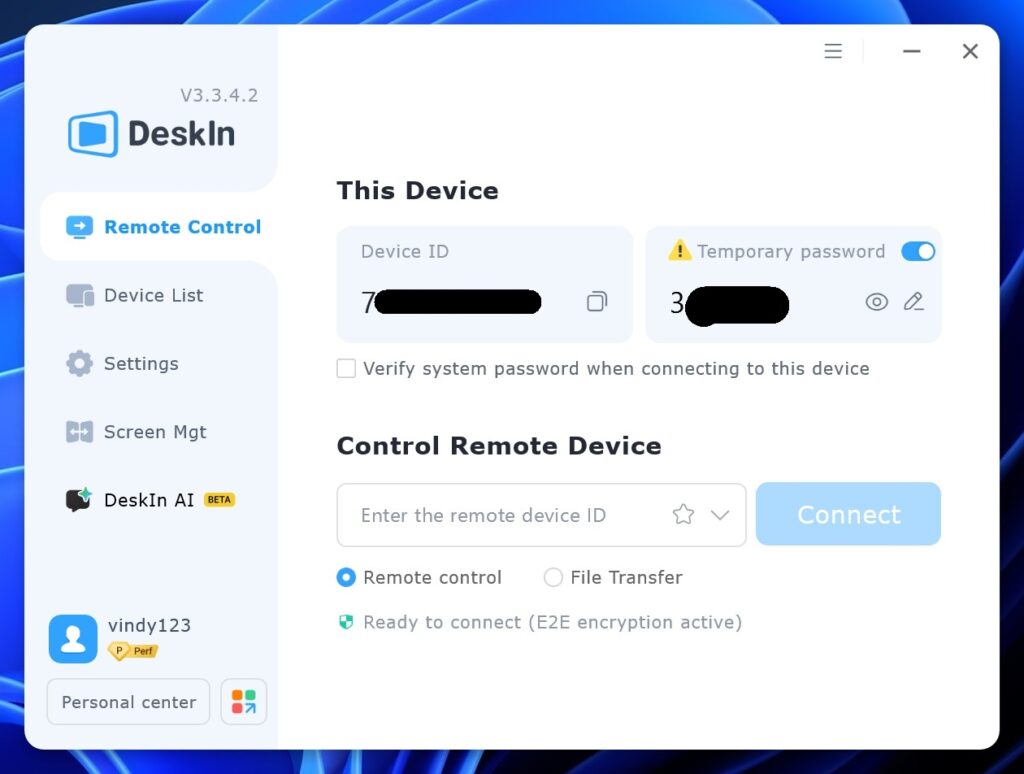
Only after these steps are completed can users begin connecting to other devices by entering a Device ID and password, with the platform clearly noting that each Device ID is unique and should not be shared without discretion.
Beyond initial setup, DeskIn provides configurable behavior settings, visibility into recently connected devices, and an integrated AI assistant tab designed to support troubleshooting and general user queries, extending the platform beyond basic remote access into a more guided user experience.
Core capabilities that define the experience
Remote access and control to systems anytime, anywhere
DeskIn allows full control between devices regardless of operating systems. Whether accessing a desktop from a phone, a laptop from a tablet, or managing multiple hardware remotely, it supports both attended and unattended usage with consistent stability.
This makes it practical not just for casual use, but also for long-term device management and remote workflows.
Collaboration and productivity features
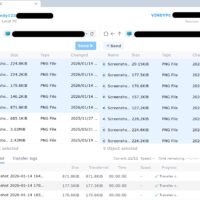
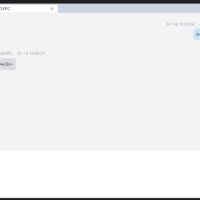
DeskIn goes beyond simple screen sharing. Shared clipboard functionality allows instant copy-paste across devices. Built-in communication tools support smoother collaboration during remote sessions.
File transfer speeds of up to 12MB/s make it viable for moving large files without relying on third-party services, and these details are what transform DeskIn from a utility into a workspace and shine over competitors through simple yet practical functions.
Screen management and virtual workspace
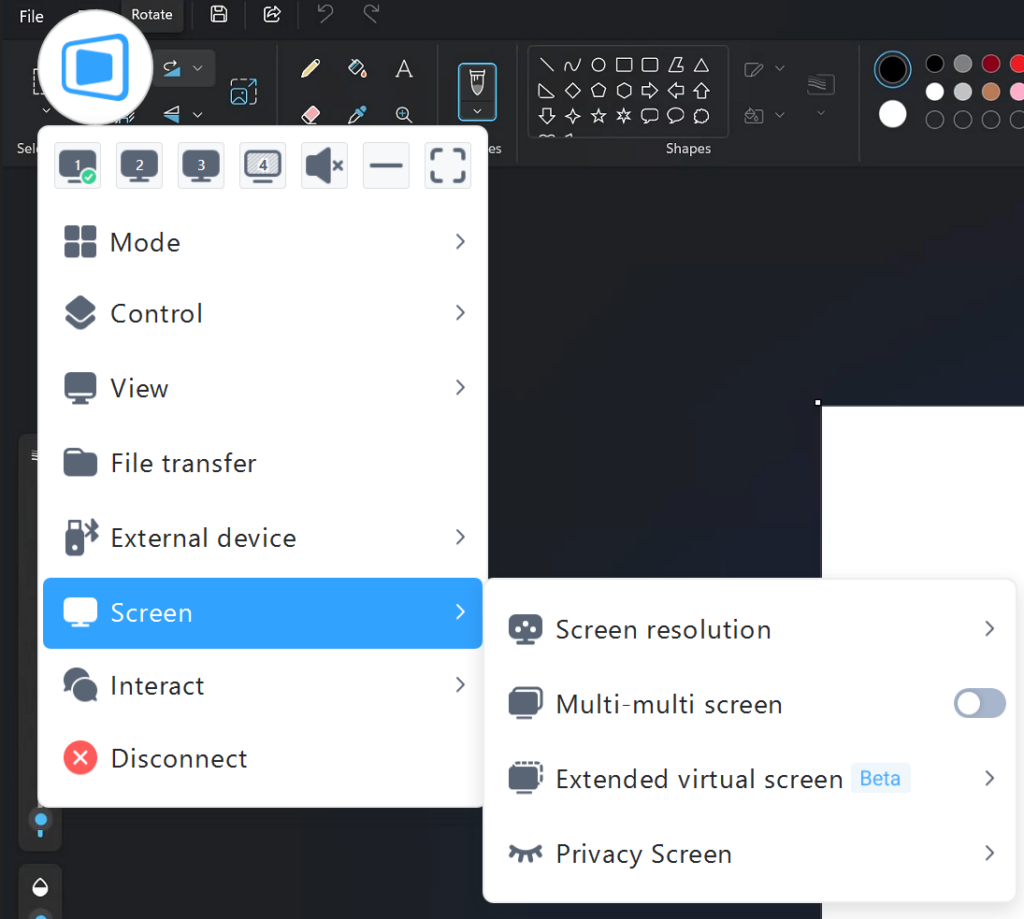
Support for screen mirroring, extended and virtual displays, as well as multi-monitor workflows, makes DeskIn suitable for complex setups. Users working across multiple screens or devices benefit from greater flexibility and fewer compromises compared to basic remote solutions.
Performance and gaming support
Unlike most remote desktop software, DeskIn is built with performance in mind. Support for high refresh rates such as 2K at 240Hz and 4K at 60Hz opens the door for gaming, simulation, and other high-demand scenarios.
They also factored in the elements that support gaming, such as controller input, mouse and keyboard mapping, 3D views, and the best one – play PC games through mobile with customizable key combination presets.
Every little detail that is taken care of strengthens its appeal for interactive use cases.
Security as a foundation
DeskIn also integrates enterprise-grade protections, including 256-bit encryption, multi-factor authentication, access controls, and audit logging. These features provide reassurance for users who value privacy, compliance, and secure long-term usage.
Available Plans
DeskIn offers various Personal and Enterprise plans to accommodate different sets of requirements and environments, with paid plans starting from US$4.16:
- Basic remote needs, or just trying out for the first time – Personal Free / Standard
- Remote workers – Personal Standard
- Gamers – Personal Gaming
- Creative workers and IT users – Personal Performance
- Professional environment with strict policies – Enterprise plans
Final verdict
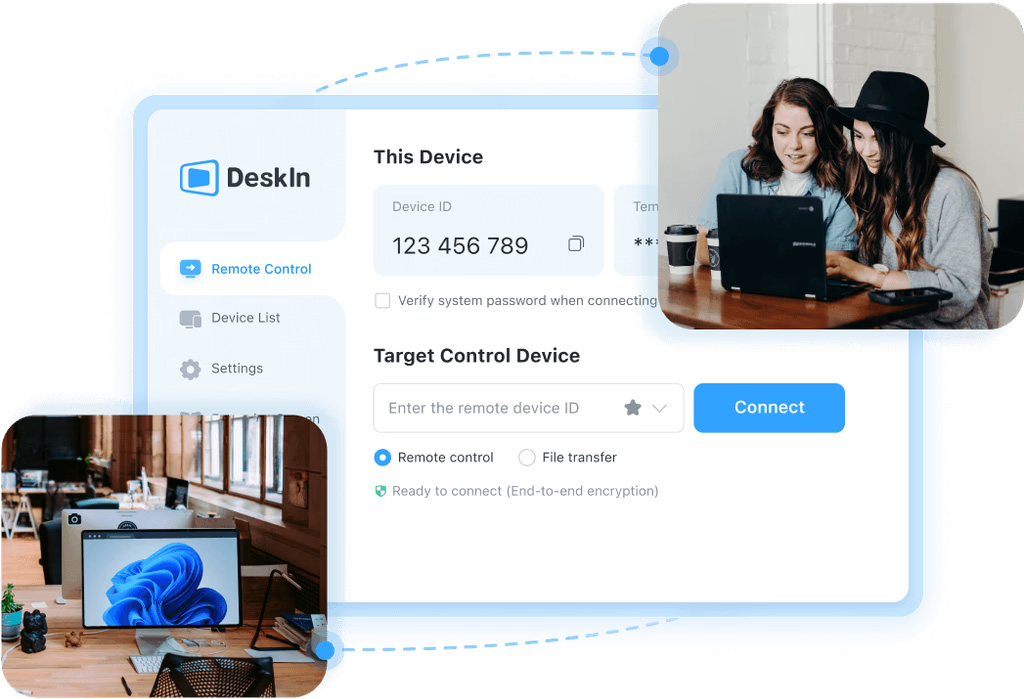
DeskIn delivers strong performance, comprehensive features, and solid security within one platform. Its versatility is its biggest advantage – it doesn’t lock users into a single use case but adapts across work, creativity, and entertainment.
Who should consider DeskIn?
- Remote workers who want a reliable all-in-one platform
- Creatives who need high visual quality and responsiveness
- Gamers who want remote access without sacrificing fluidity
- IT users who value cross-device management and security
And for fellow readers, do use our code MyEverday during checkout to enjoy 50% discount for a one-month plan or 20% for an annual plan.
Learn more about DeskIn here.